Watch Pet Friend in action
22 short, narrated walkthroughs of Pet Friend animal shelter software — about 49 minutes in all — every one recorded in the real product, not a slide deck. Start with the full tour, then jump to the part of shelter work you care about.
Prefer to click around yourself? The interactive demo needs no signup. Every video also has a written transcript on its page.
Start here
 5:43
5:43
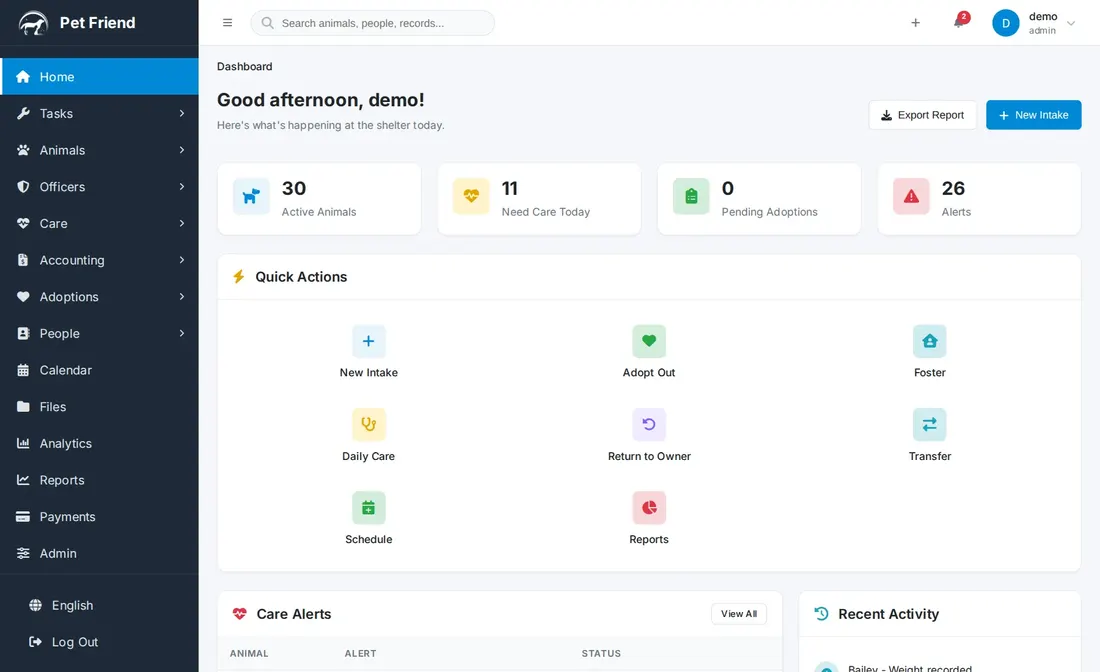
Pet Friend Overview: A Tour of the Whole Product
A narrated tour of Pet Friend animal shelter software — the Animal Manager, intake with the AI assistant, care and medical records, adoptions with built-in e-signatures, animal control, people, tasks, accounting, reports and admin — ending with using it from a phone in the field.
 2:46
2:46
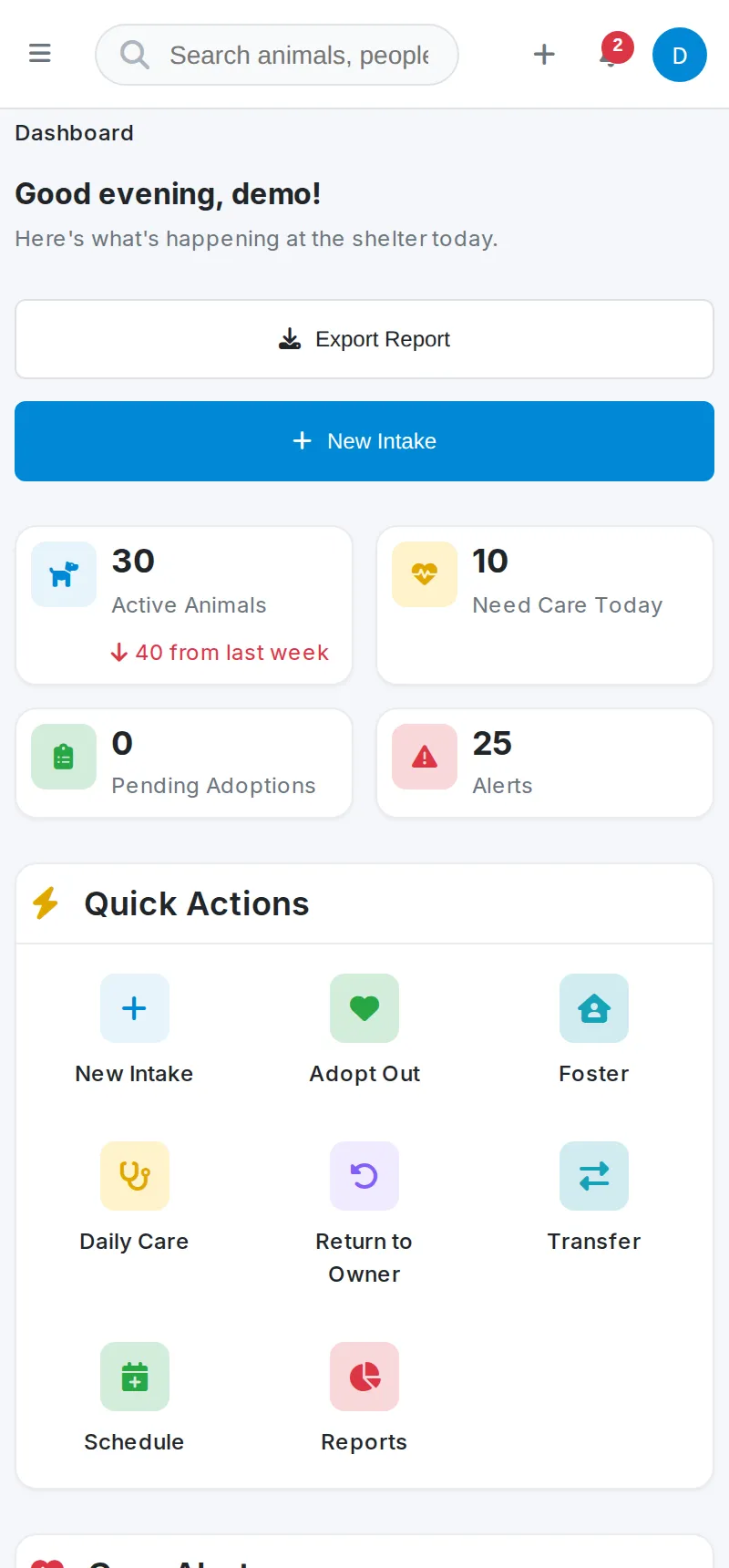
Mobile & Field Use: Pet Friend on a Phone
The real app recorded on a phone screen: kennel rounds, a field intake photographed on the spot, and an adoption signed at an offsite event — the same shelter software on iPhone, Android, tablet or desktop with nothing extra to install.
Daily operations
 1:23
1:23
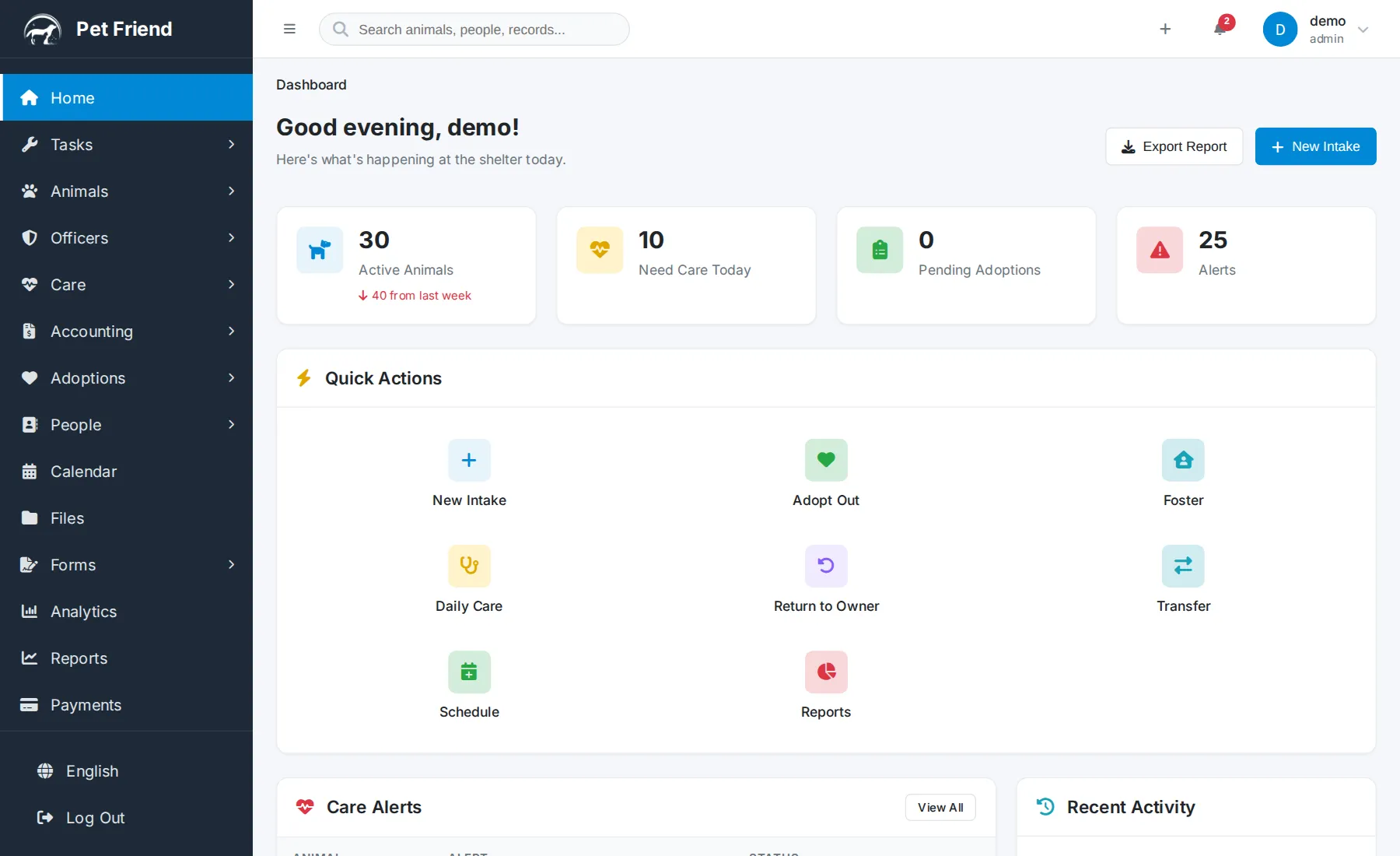
Dashboard
The home screen: a live snapshot of active animals, who needs care today, adoptions in progress and alerts, with quick actions for intake, adoption, foster and daily care, and the activity feed of recent changes.
 1:40
1:40
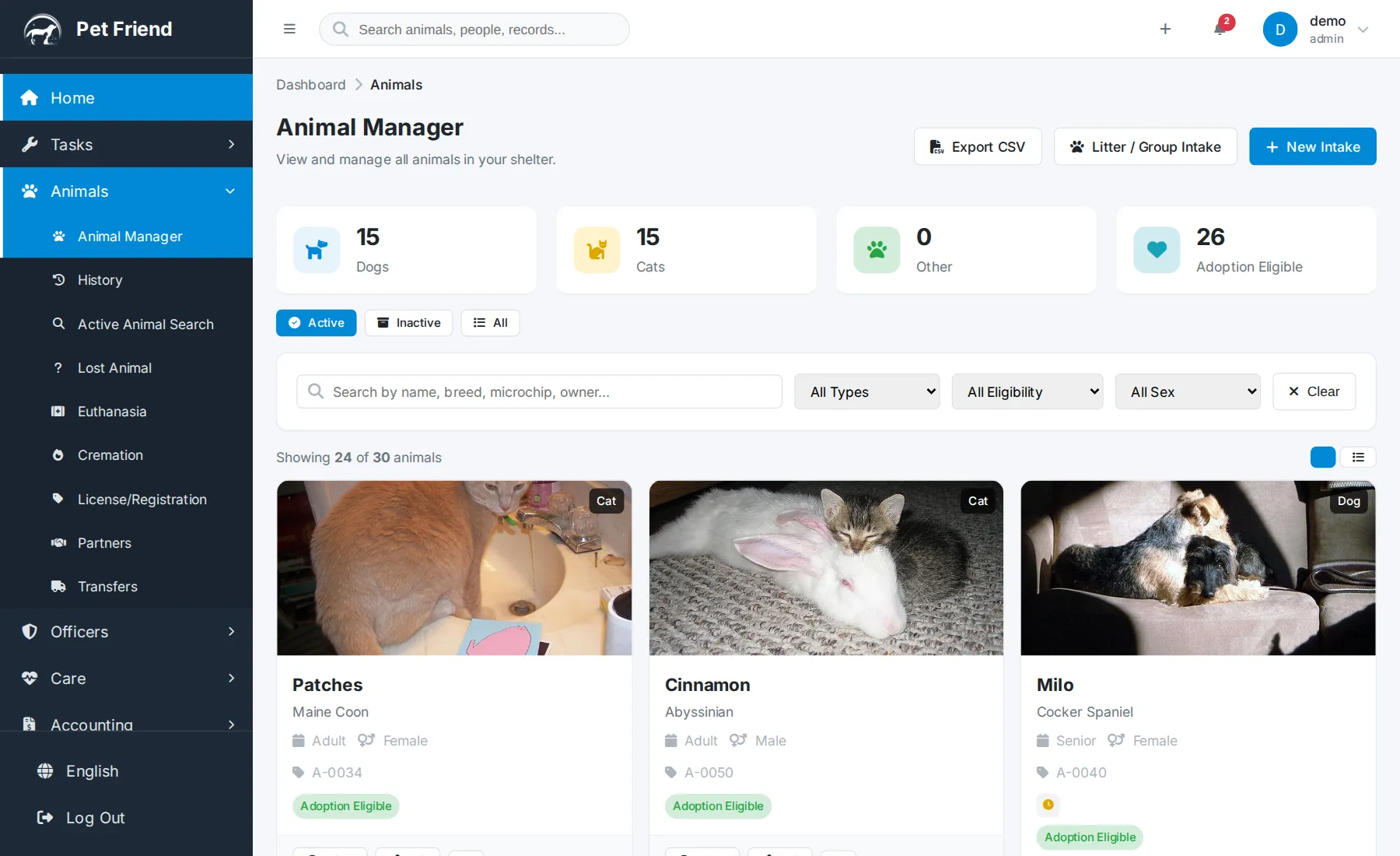
Animal Management
One record per animal from arrival to going home — the searchable Animal Manager with photo, status and kennel, filters, New Intake, litter and group intake, and the full history on one page.
 3:19
3:19
Animal Intake, Step by Step
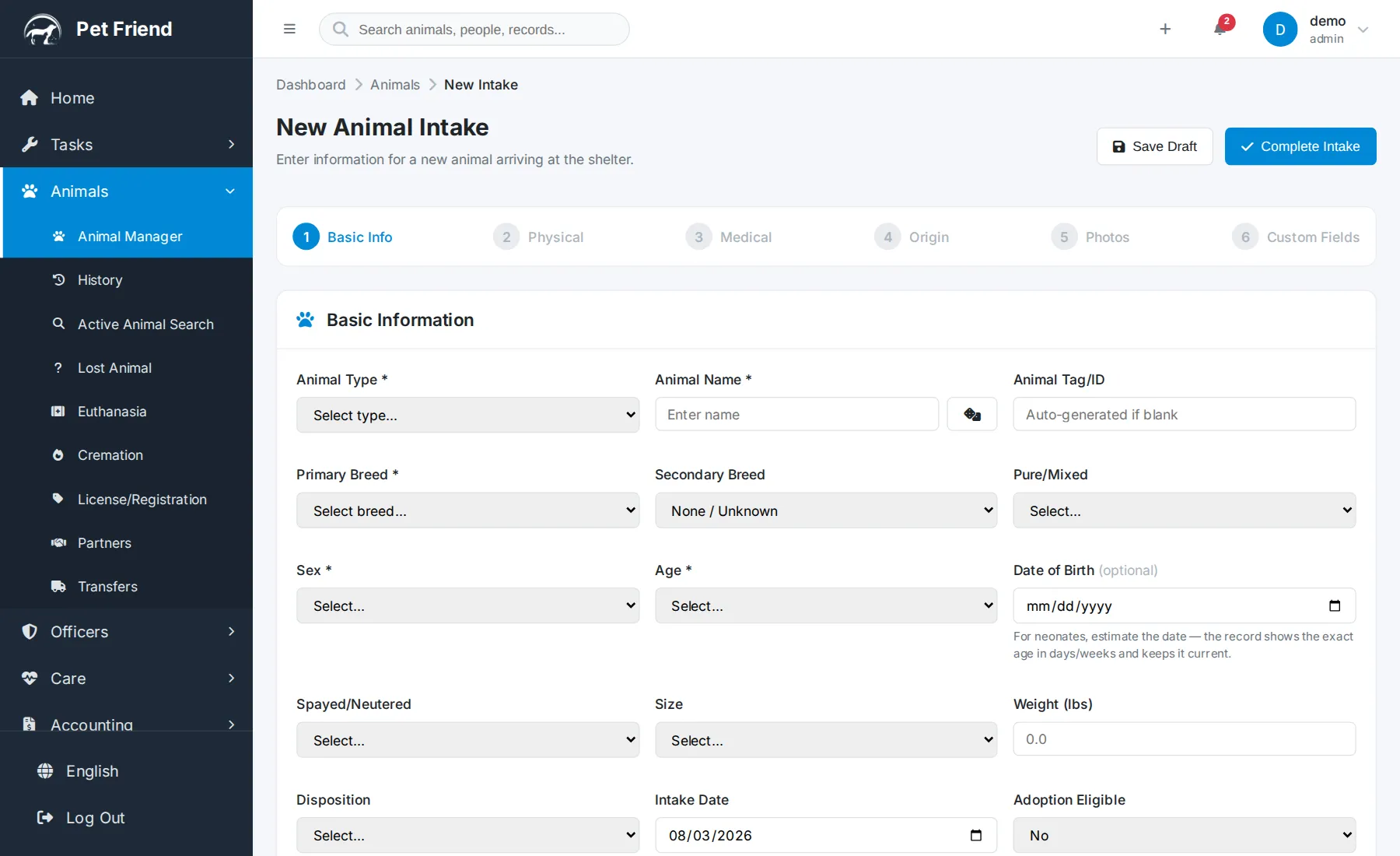
Taking a new animal into the shelter end to end: the five-step intake form — basics, physical, medical, origin (stray, surrender, transfer or seizure) and photos — and the AI assistant that suggests details from a photo for you to review before anything is saved.
 2:09
2:09
AI Assistant for Intake and Data Entry
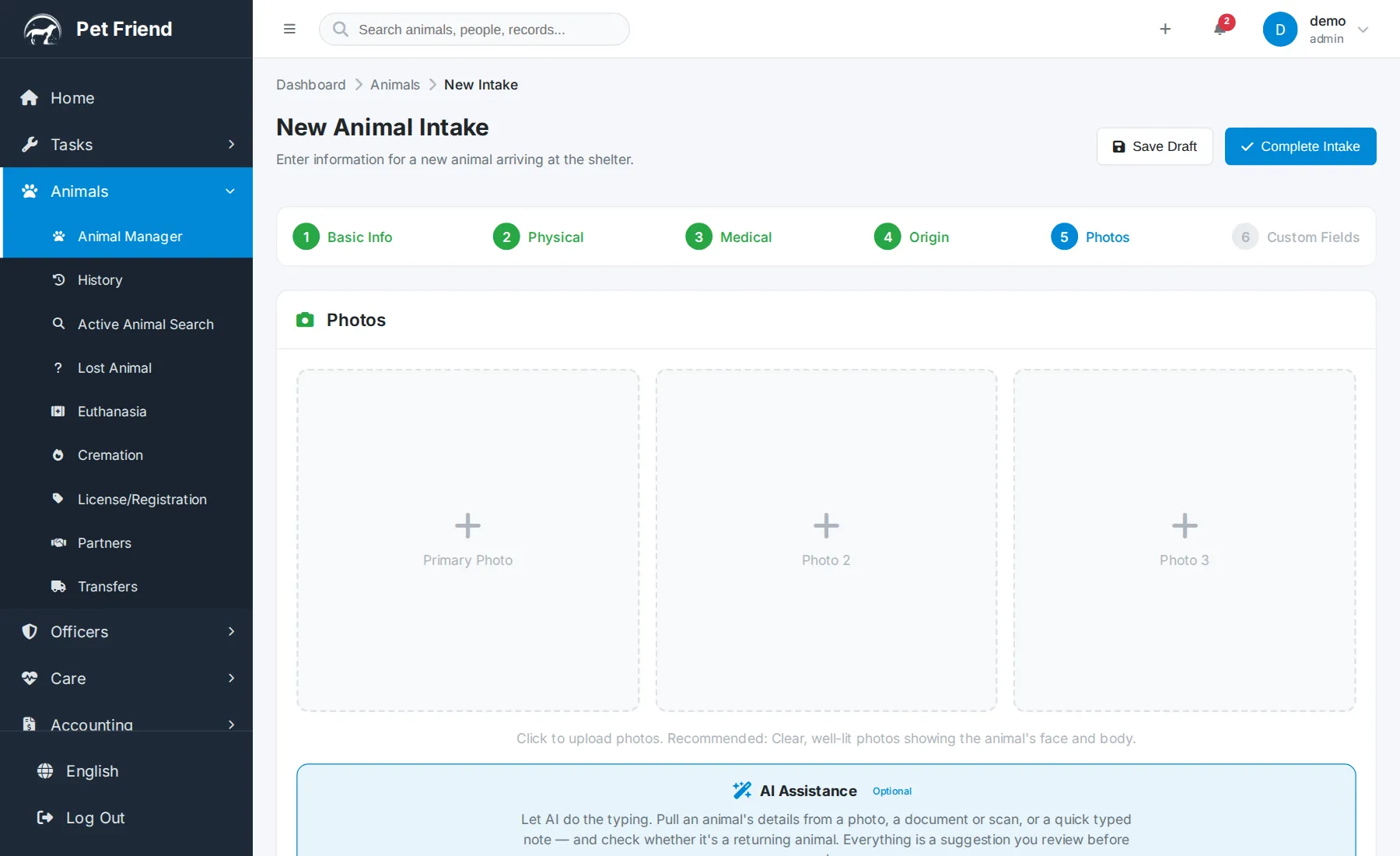
The built-in AI assistant on the intake form: photo intake, document extraction, fill-from-text, returning-animal detection and Draft with AI — it only ever suggests, and a person reviews before anything is saved.
 2:07
2:07
Care & Medical Records
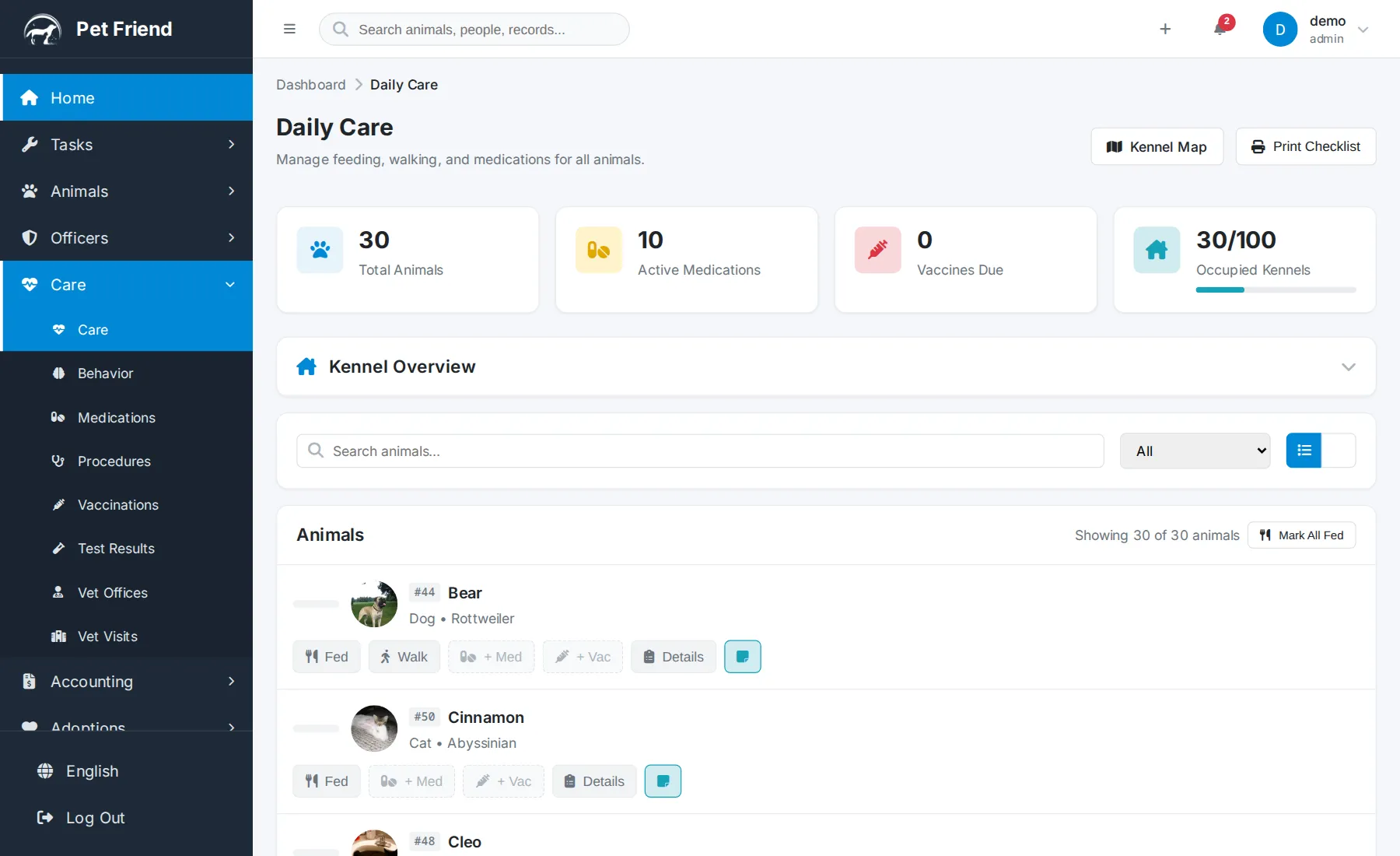
Daily Care with doses flagged and given at the kennel door, the medication administration record, vaccinations with next-due dates and printable rabies certificates, vet visits, behavior and procedures, and the kennel overview.
 1:57
1:57
Adoptions & Outcomes
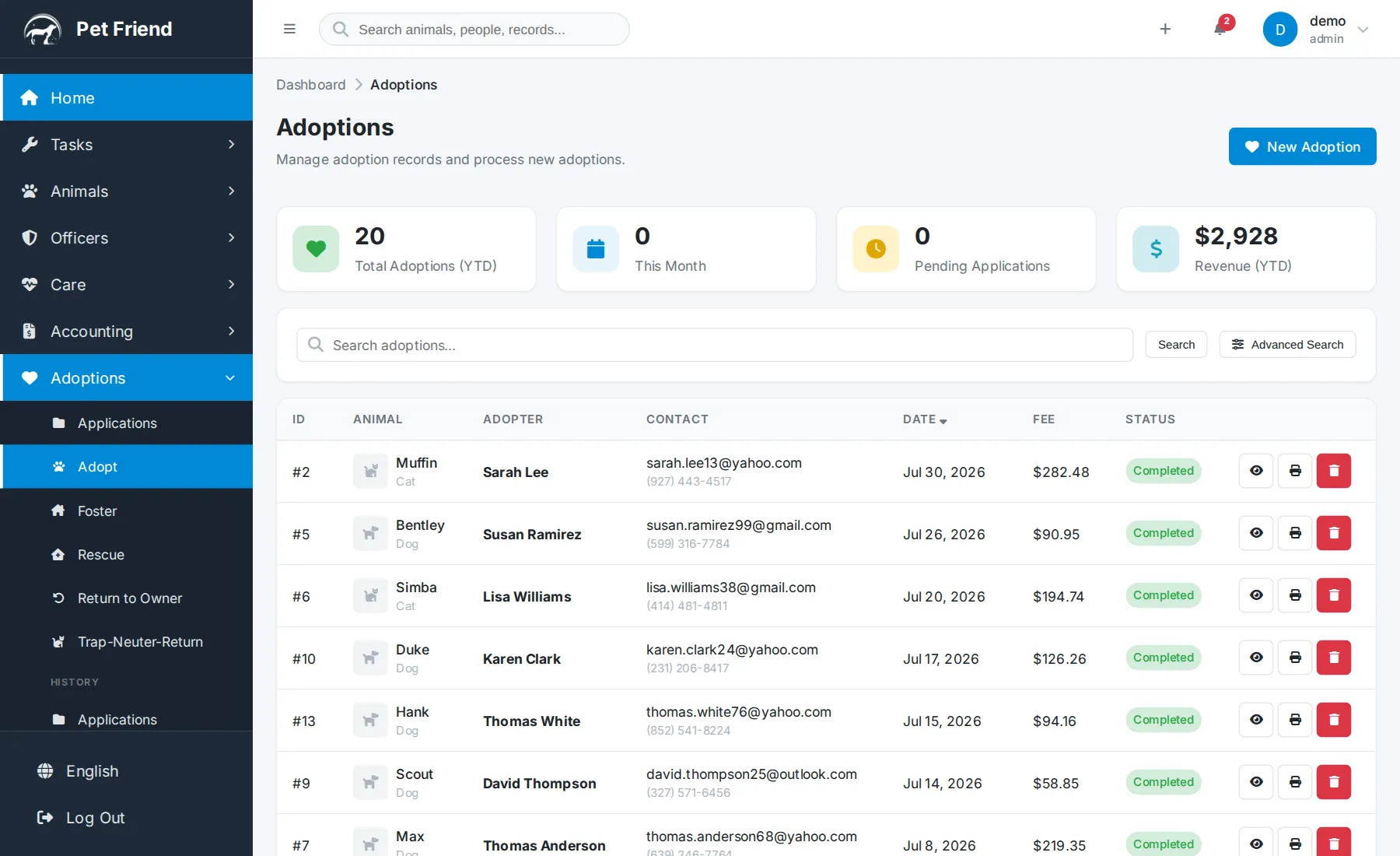
The adoption pipeline from application to completed placement: the contract built from your template, signed on screen or by a remote signing link, the fee, the outcome recorded on the spot — plus foster, transfer and return-to-owner outcomes and printable adoption certificates.
 1:30
1:30
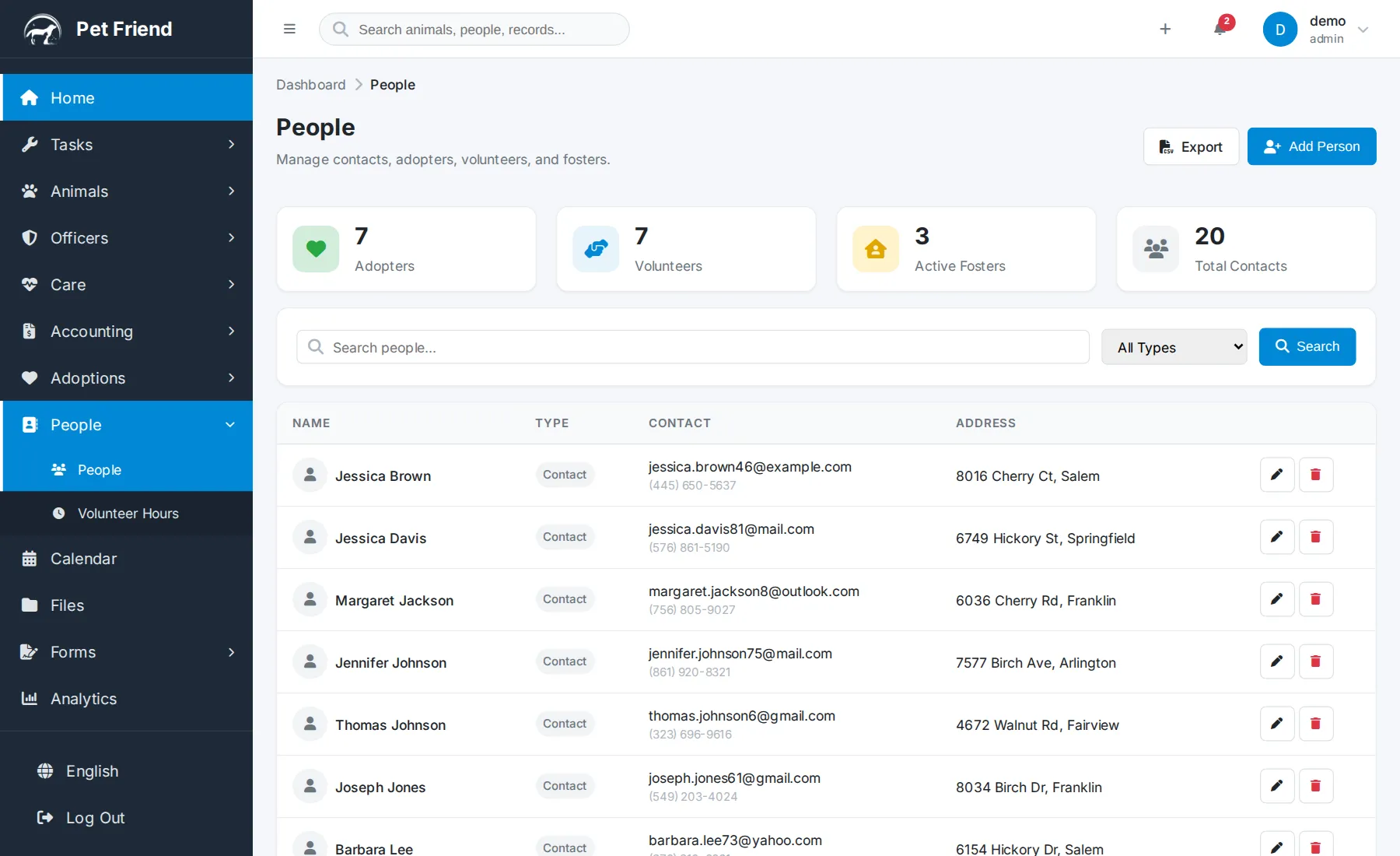
People & Contacts
One contact book for adopters, fosters, volunteers, staff and veterinarians, with every animal linked to each person — and volunteer hours that roll up into reporting.
 1:30
1:30
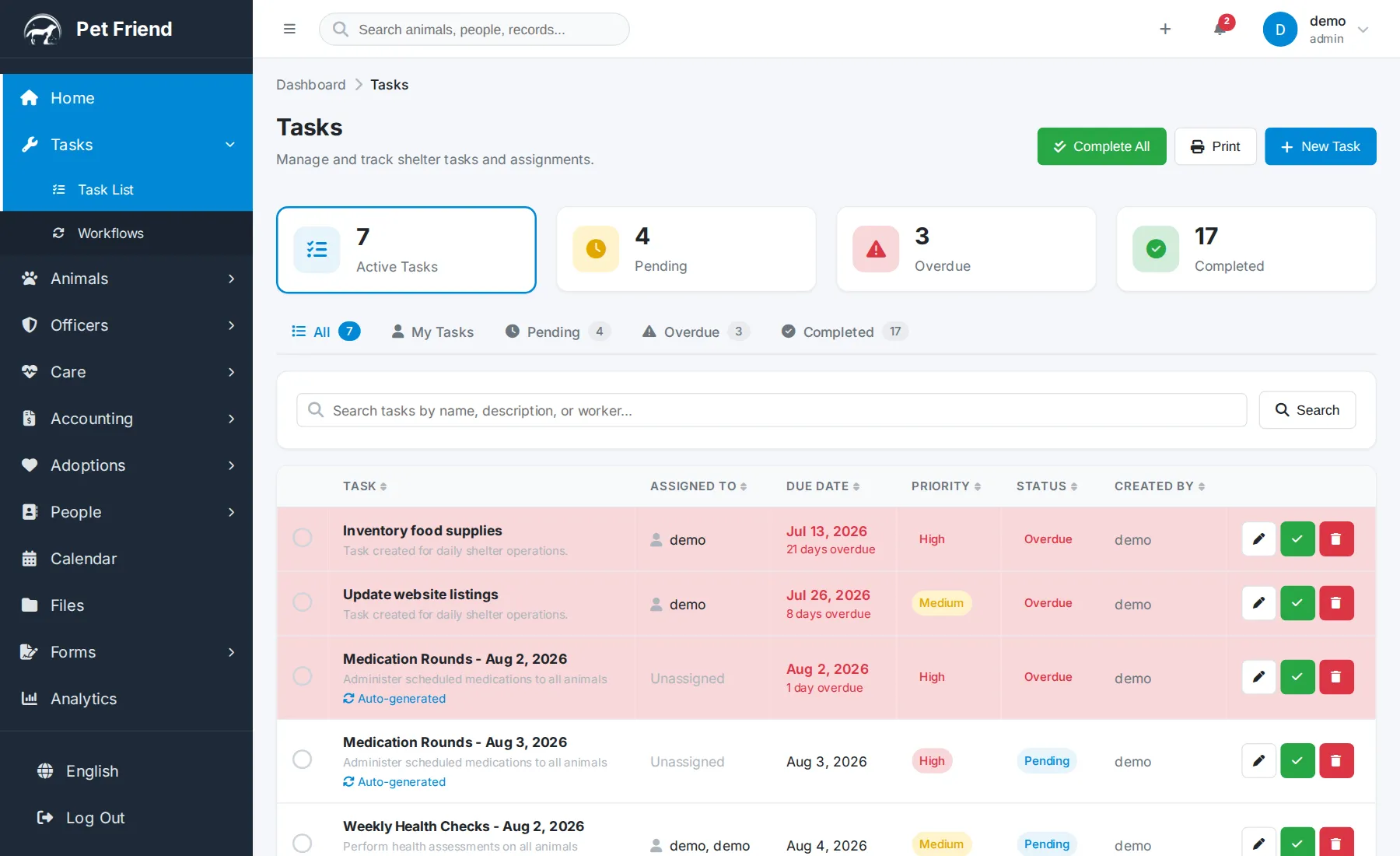
Tasks & Workflows
Assigning and tracking daily shelter work, and the recurring workflows that create their own tasks on a schedule so routine care never slips.
 1:01
1:01
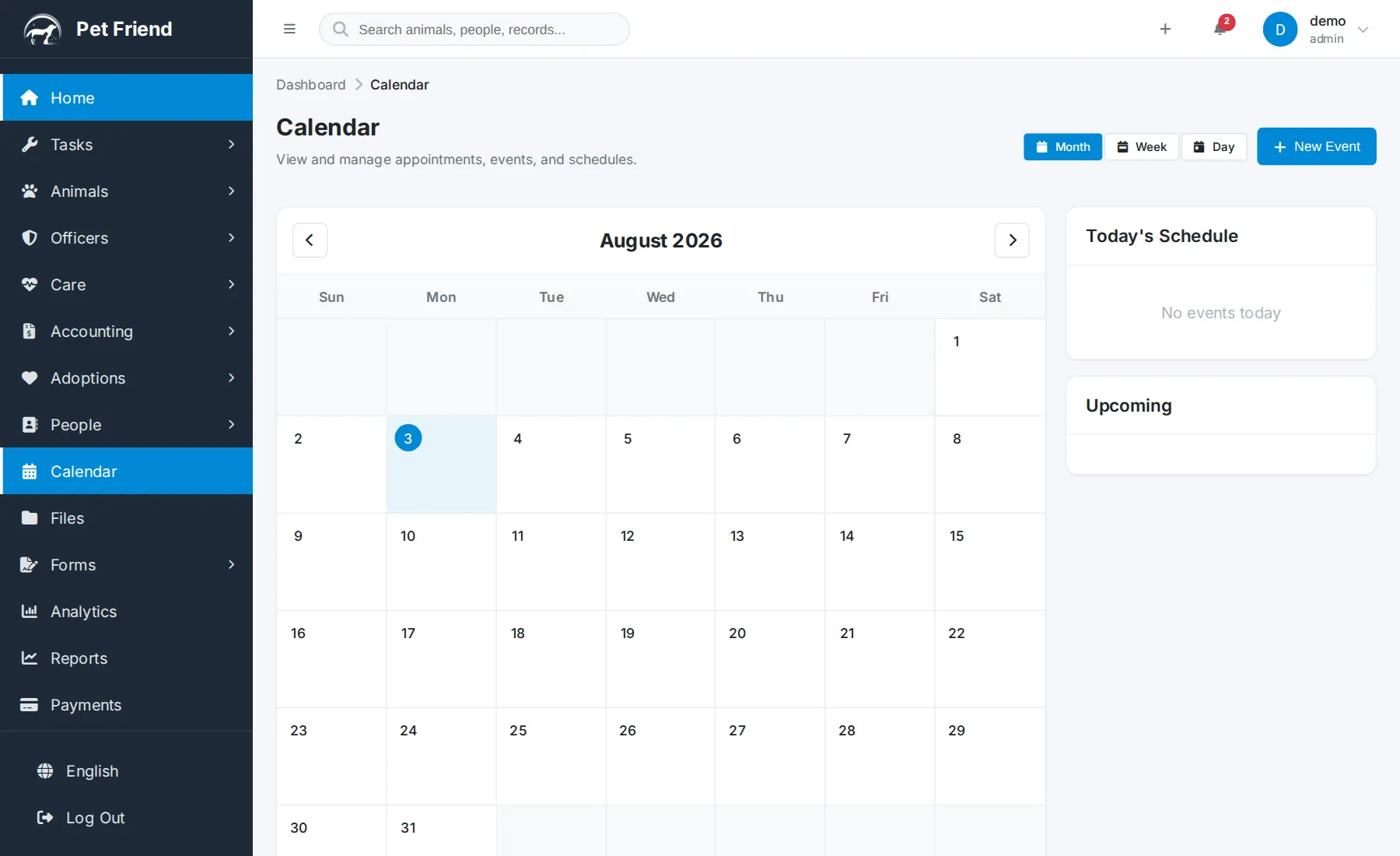
Calendar
Adoption events, vet appointments, volunteer shifts and fundraisers on one shared, color-coded calendar, in month, week or day view.
 1:39
1:39
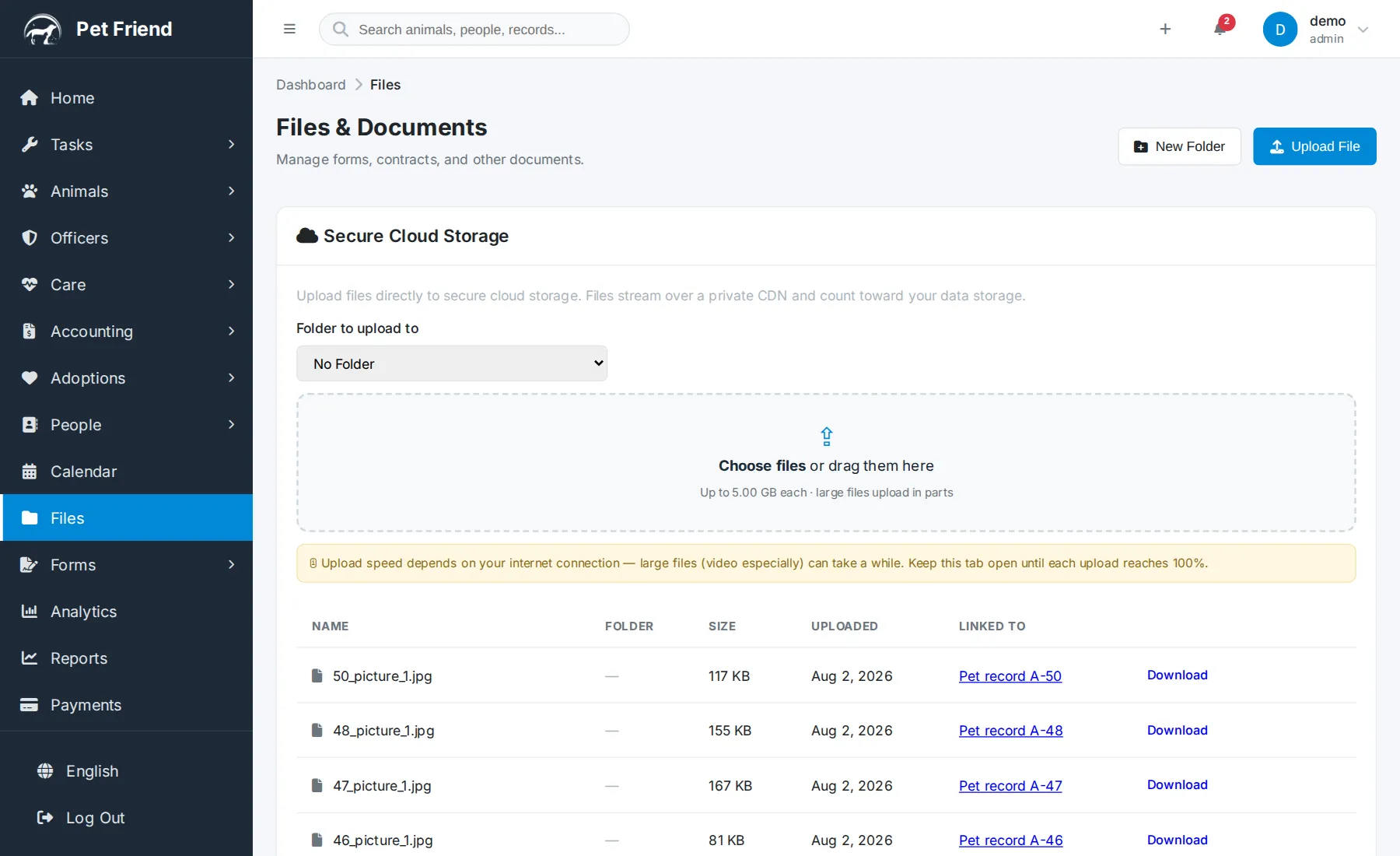
Files & Documents
Forms, contracts, photos and video organized into folders, secure cloud storage for large files, the storage card, and secure public share links you can revoke instantly.
Animal control
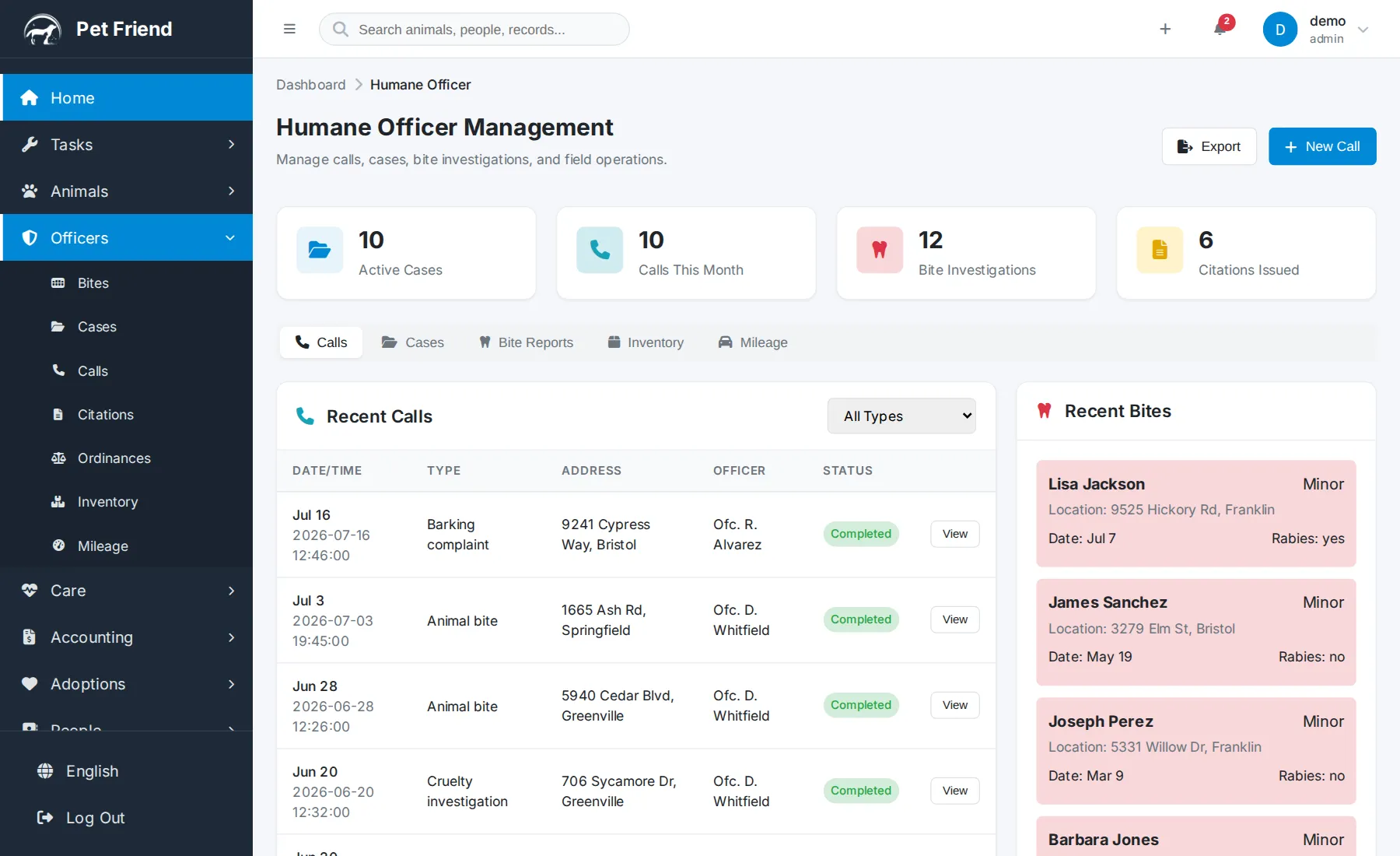
Money
 1:30
1:30
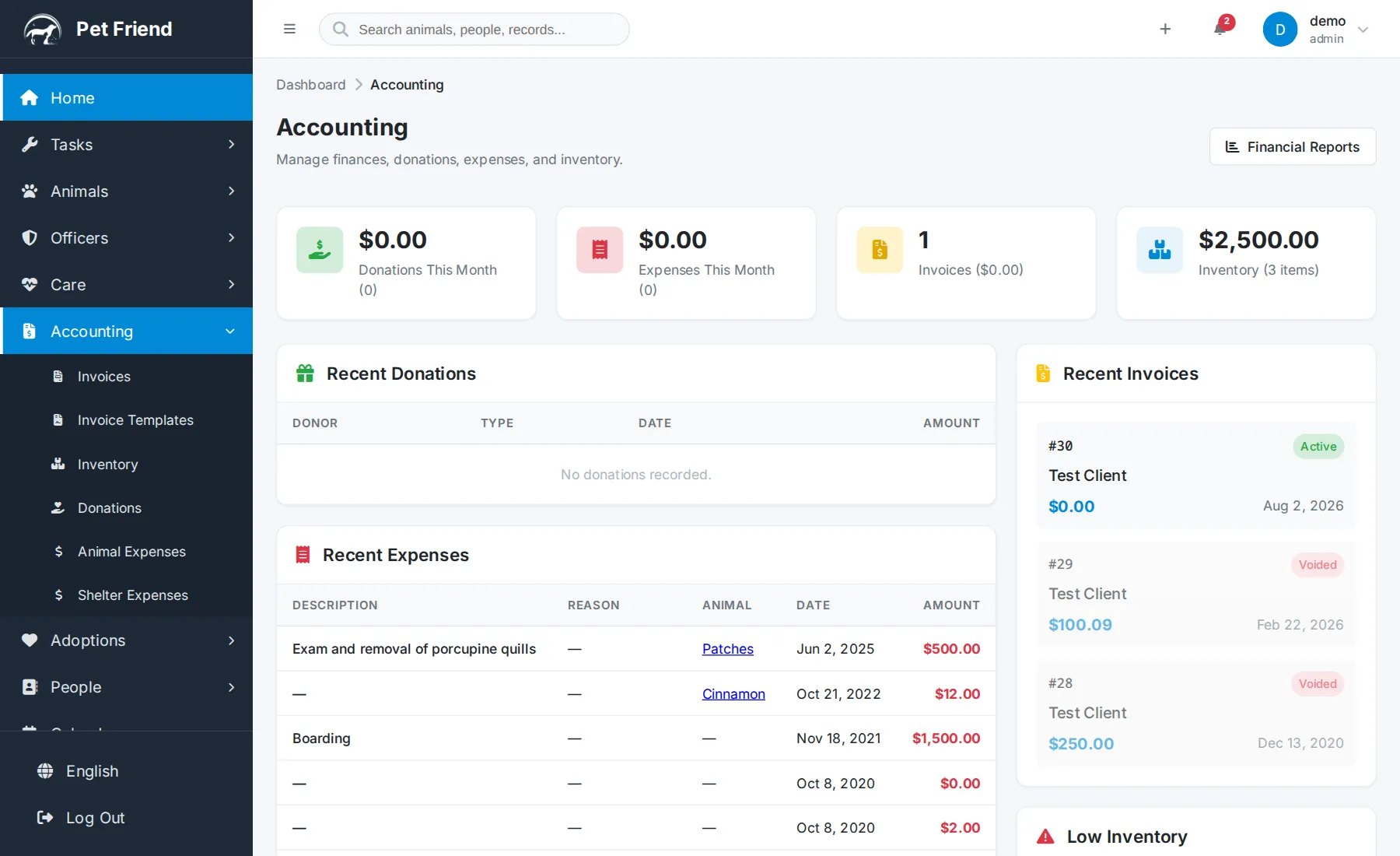
Accounting & Finance
Invoices, donations, expenses and inventory without a spreadsheet — the month at a glance, expenses linked to an animal, the low-inventory card, and a public donation page that flows straight into your books.
 1:53
1:53
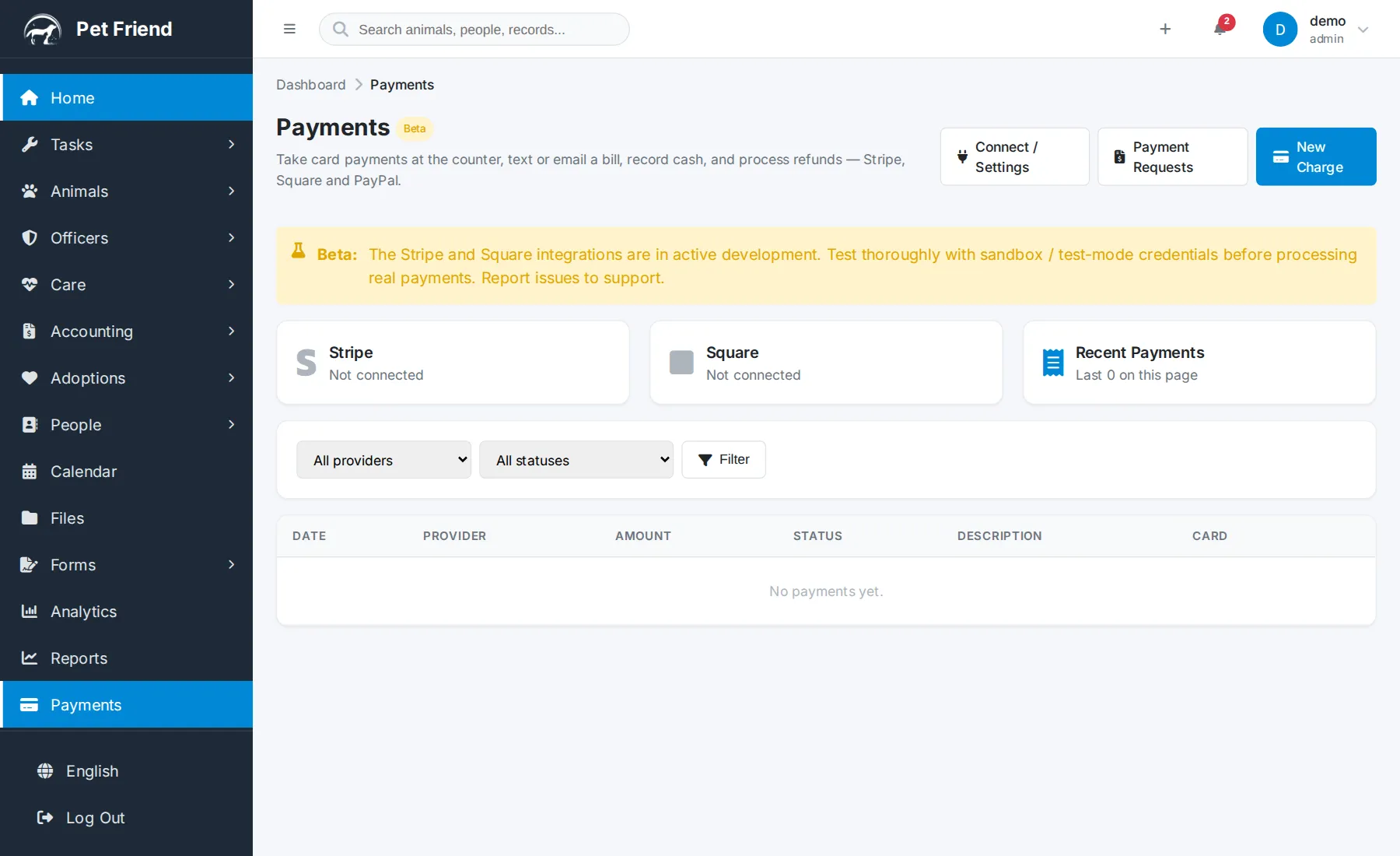
Payments
Taking fees however they arrive — cash, check, waived, or a card through your own Stripe, Square or PayPal account — with card readers at the counter, payment-request links paid on the payer's phone, receipts and refunds.
Reporting & admin
 1:09
1:09
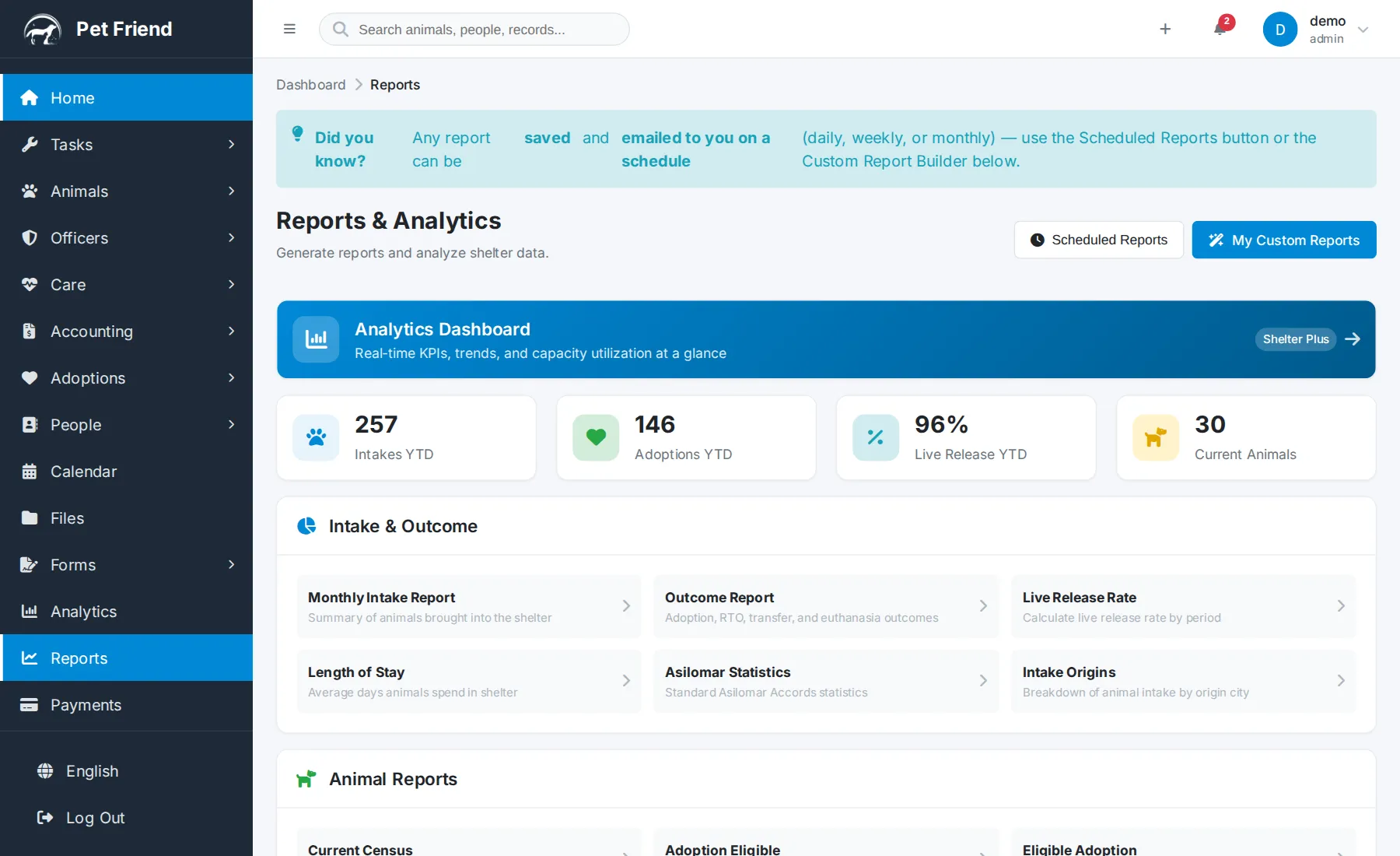
Reports & Analytics
Built-in reports grouped by topic — monthly intake, outcomes, live release rate, Asilomar and Shelter Animals Count — plus custom reports, spreadsheet export, scheduled email delivery and the analytics dashboard.
 1:52
1:52
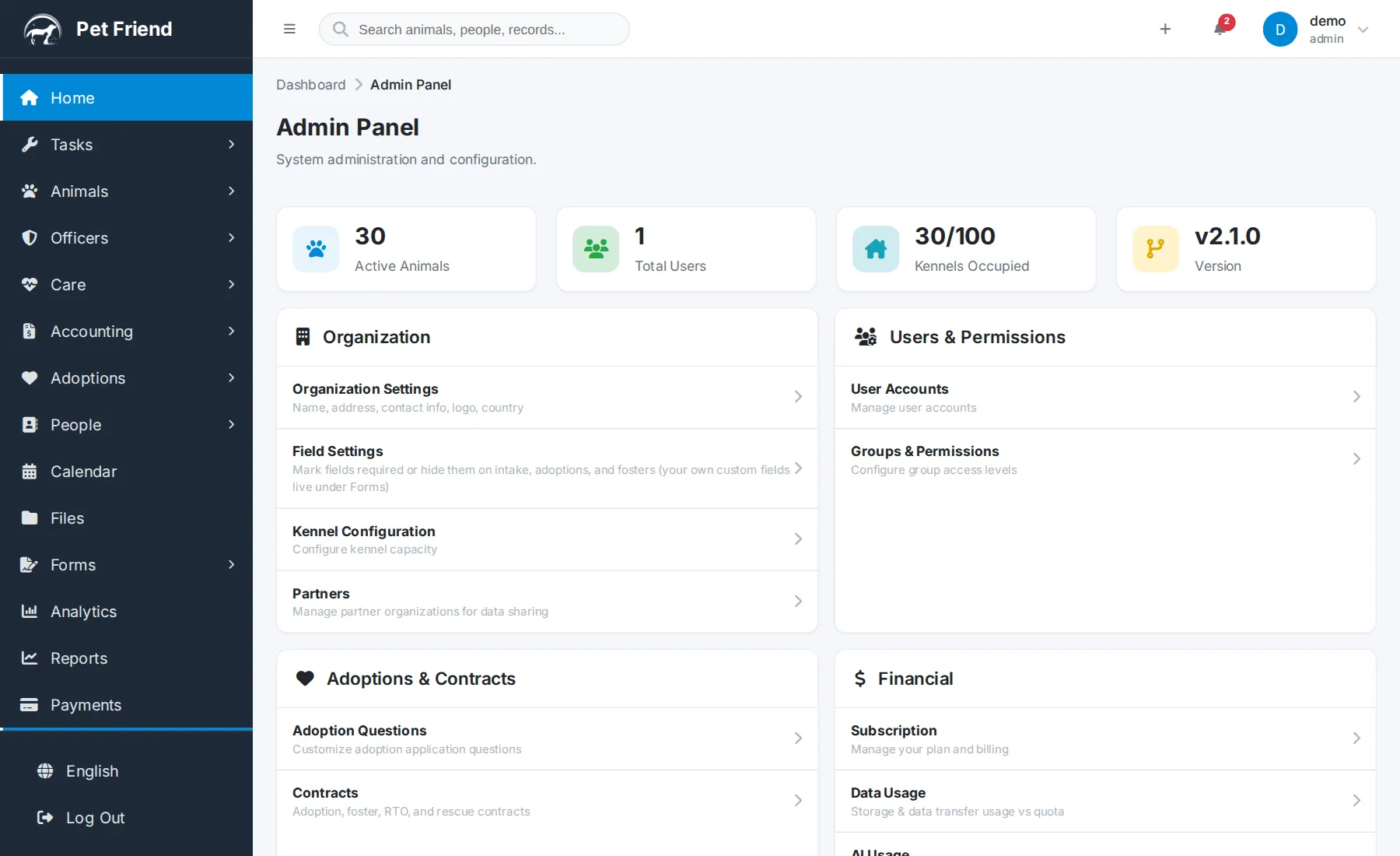
Admin Panel
The control center in setup order: organization settings, kennels, users and roles, the fee schedule and tax, contract wording, Petfinder and AKC Reunite integrations, import and export, and AI usage.
 0:56
0:56
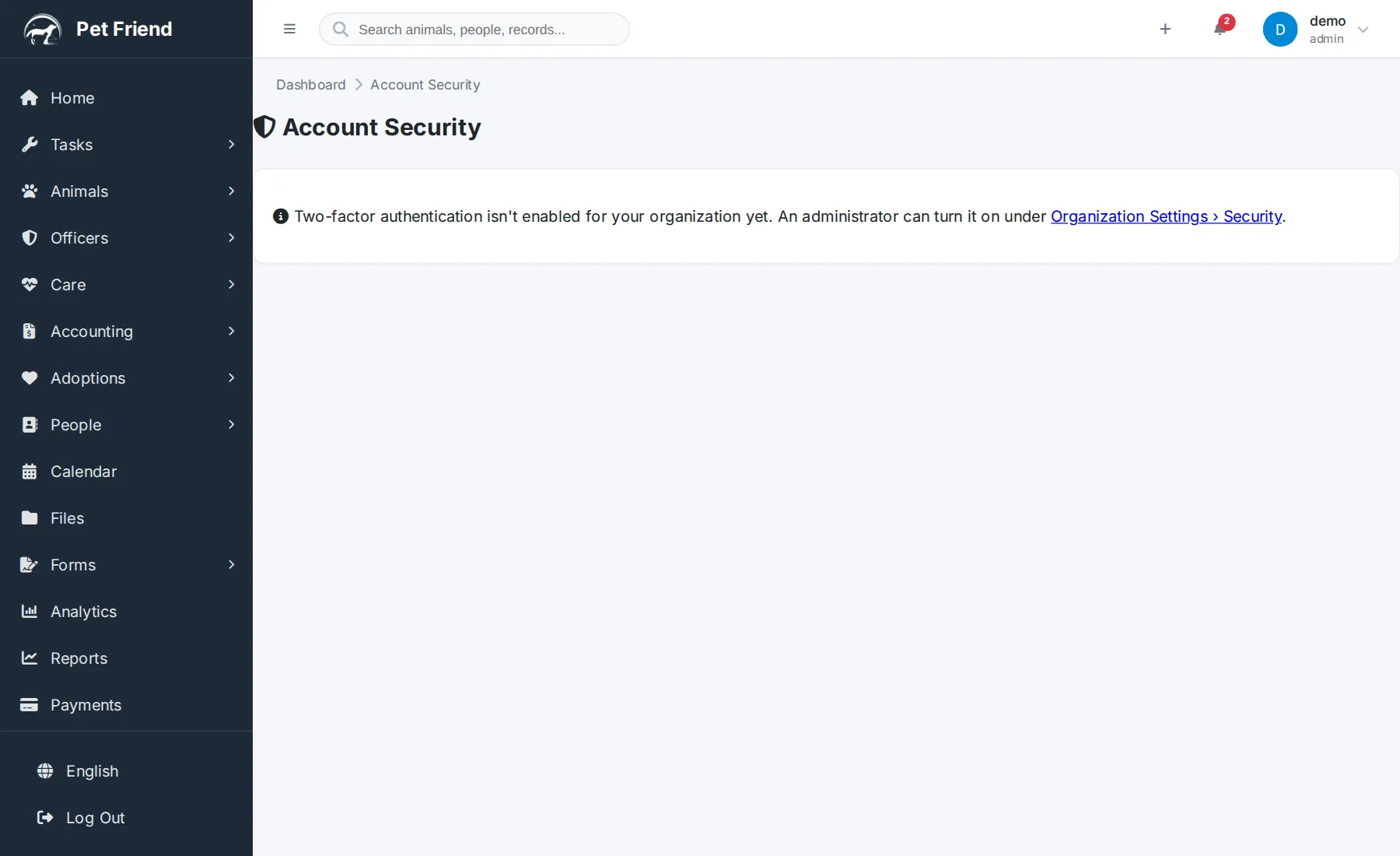
Security & Account Protection
Two-factor authentication, automatic login lockout, and the admin audit log that shows who changed what.
 0:52
0:52
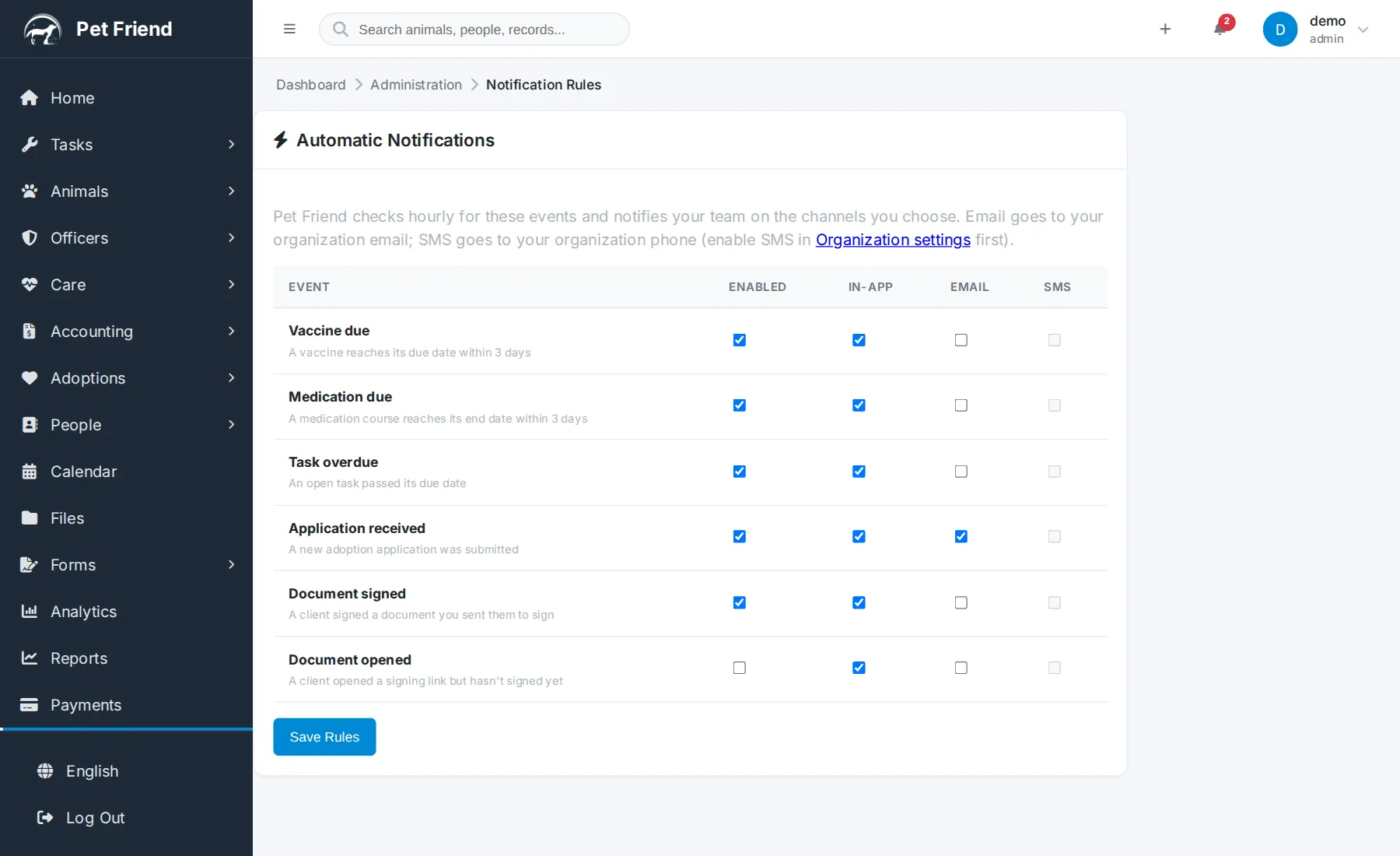
Text Messaging (SMS)
Turning on text messaging, choosing which notification rules send a text, and the opt-in and STOP rules that keep it compliant. Requires the Shelter plan or higher.
Make it yours
 3:58
3:58
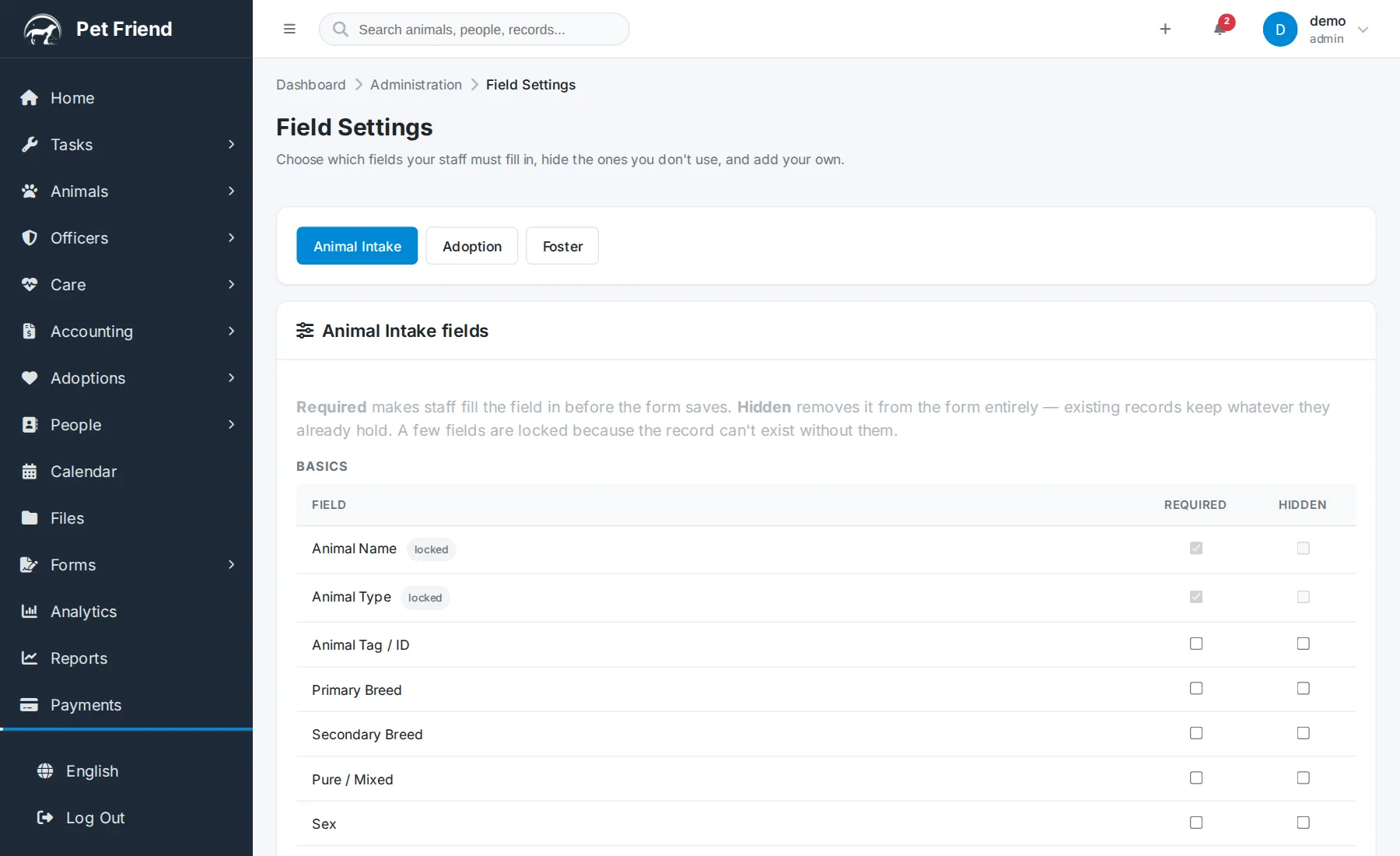
Make It Yours: Fields, Printouts & Age Settings
Shaping Pet Friend around how your shelter works: which fields staff must fill in, what prints on cage cards and receipts, and how ages are calculated and displayed.
 3:09
3:09
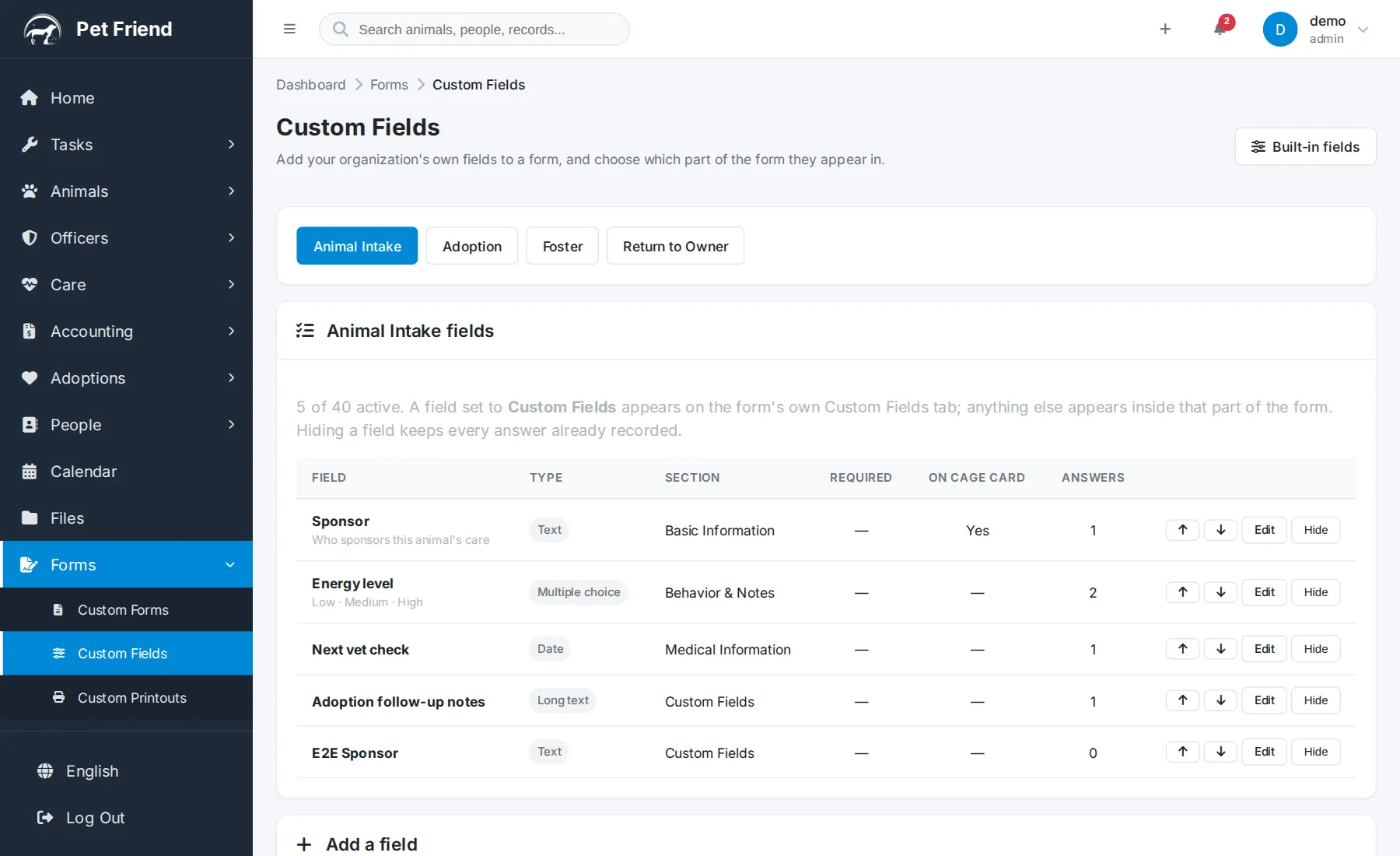
Custom Fields: Track What Matters to You
Adding your organization's own fields to intake, adoption, foster and return-to-owner forms — placed inside the form, printed on the cage card, and available in reports and exports.
 2:11
2:11
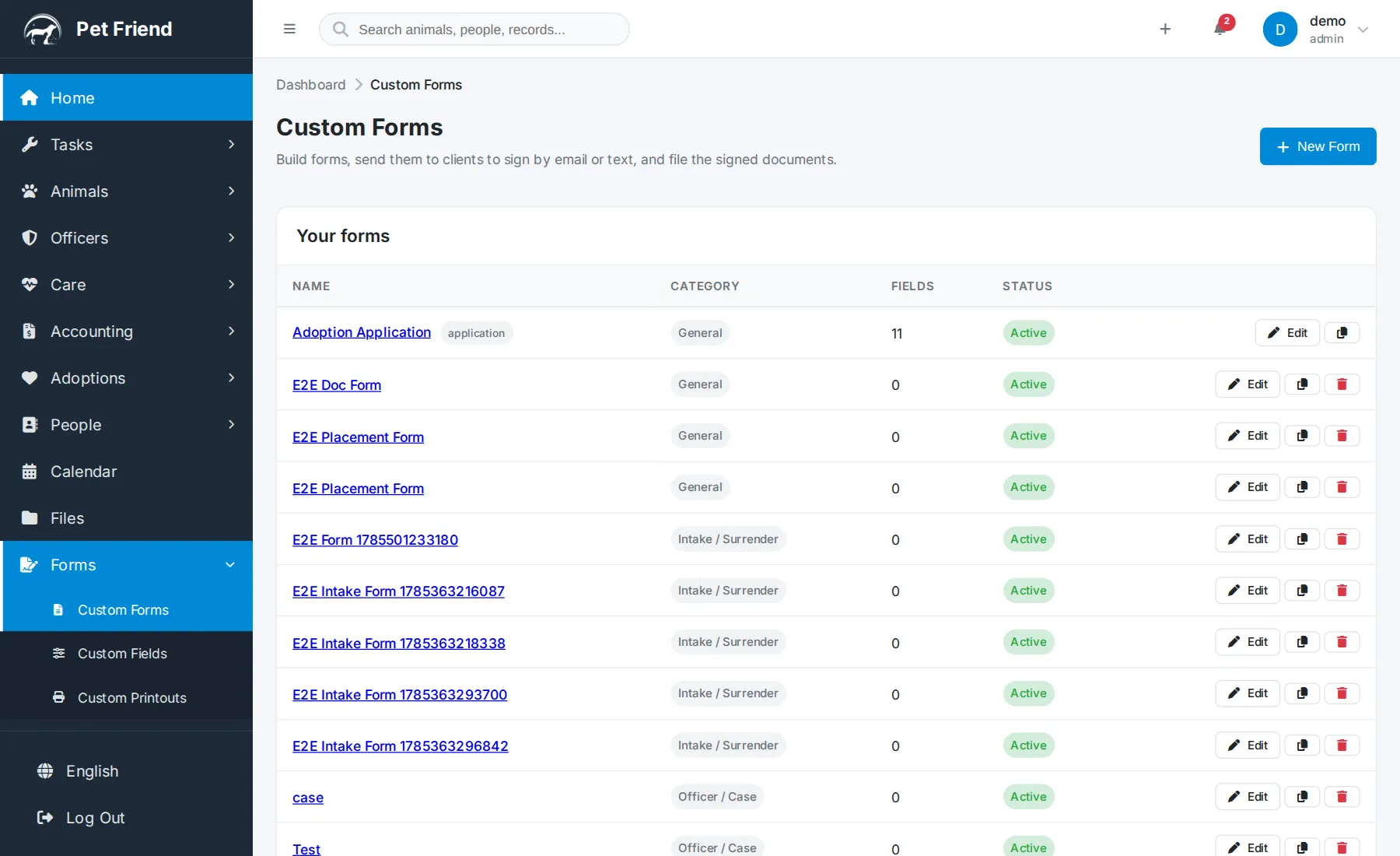
Custom Forms & E-Signatures
Building your own forms, uploading your own PDF or Word documents, sending them for remote signature, and filing the signed copy on the record automatically.
Ready to try it?
The free demo is the same software you just watched. No signup, nothing to install.
Try the free demo See plans & pricing