
Single Sign-On
Your team signs in with the email account they already have
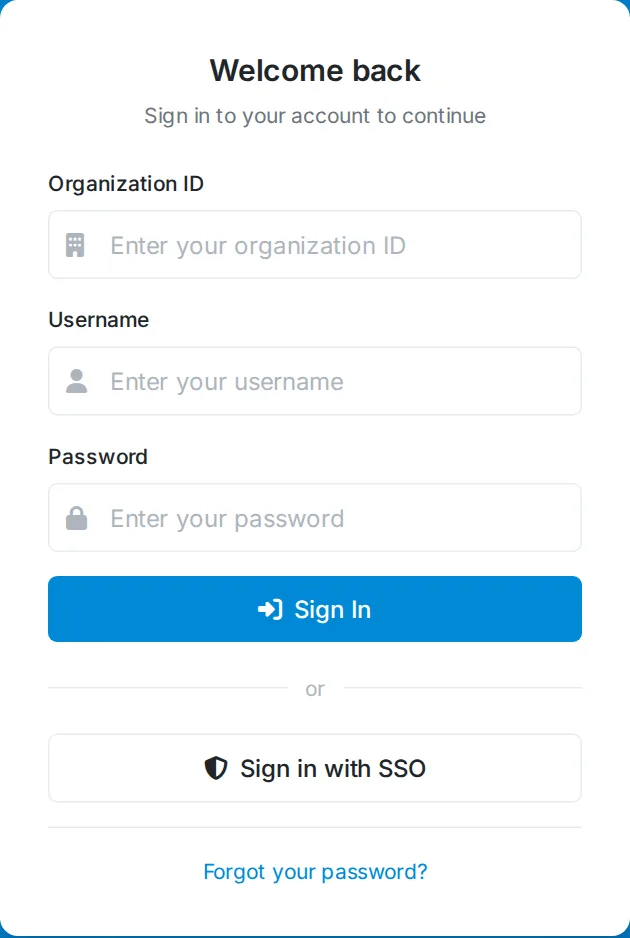
Most shelters and rescues already have an email provider — a Google Workspace domain, a county-issued Microsoft 365 account, or plain Gmail for a small volunteer team. Single sign-on lets that account be the login for Pet Friend too, so nobody has to create, remember, or share another password.
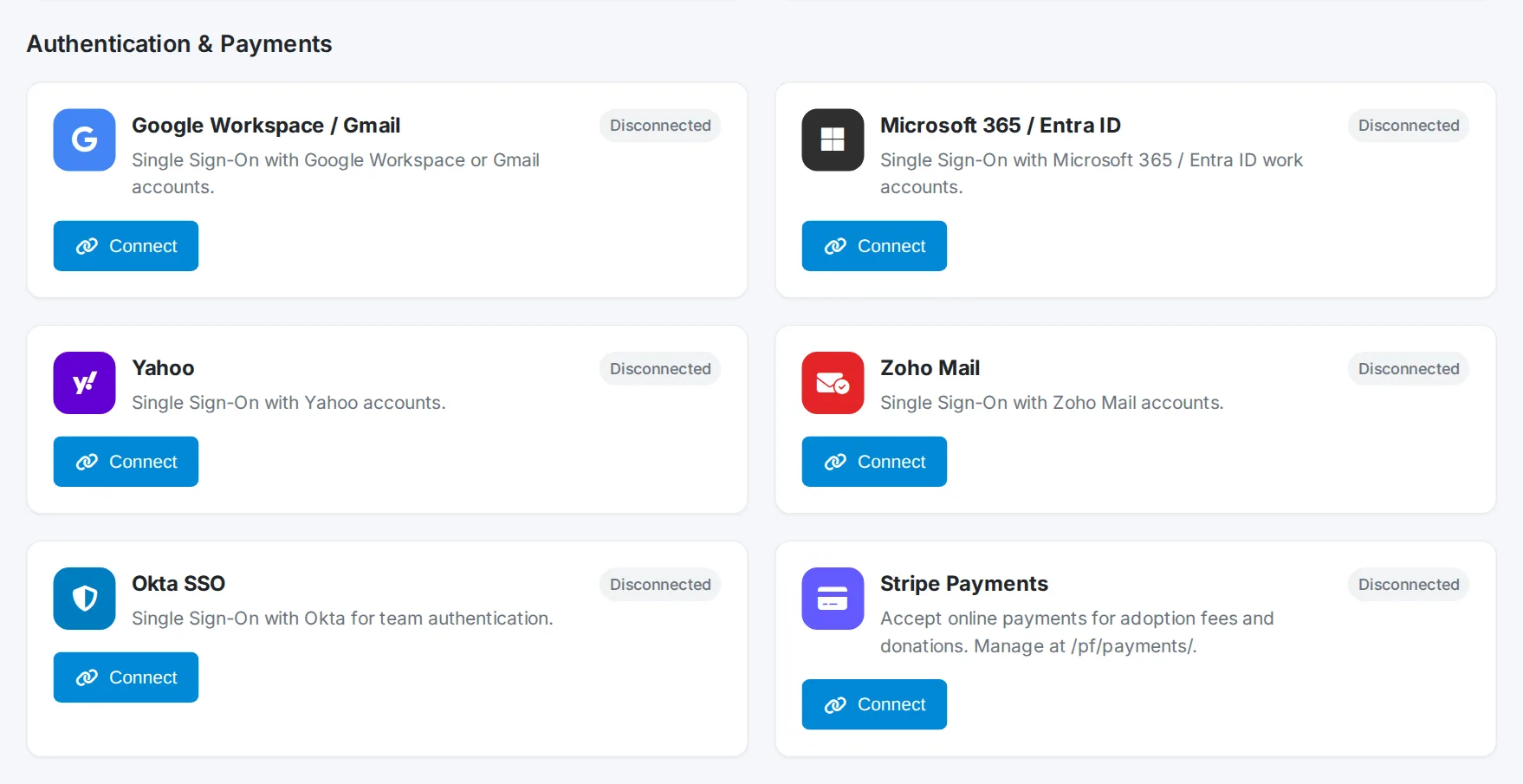
Providers we support
- Google Workspace & Gmail — the common case for rescues, including everyone on the free Google Workspace for Nonprofits. Consumer @gmail.com addresses work too.
- Microsoft 365 & Entra ID — work or school accounts, which is what most municipal and county animal-control staff are issued. Tenants resold through GoDaddy work the same way.
- Yahoo and Zoho Mail — for teams still on long-standing volunteer or small-business mailboxes.
- Okta — for organizations with managed IT that already standardize on an identity provider.
What it gives you
- One less password. No separate Pet Friend credential to reset, and nothing for a volunteer to write down or pass along.
- Offboarding that actually works. Remove someone from your email provider and their access to Pet Friend ends with it — no relying on somebody remembering to deactivate a second account.
- Your security policy carries over. Staff inherit whatever your provider enforces, including its own multi-factor prompts. And if your organization requires two-factor authentication in Pet Friend, single sign-on doesn't skip it — staff are still asked.
- No SSO tax. Included from the Shelter plan up, with no per-seat surcharge. Basic account security shouldn't sit behind an enterprise tier.
Setting it up
An administrator turns it on in Admin → Integrations. Each provider needs a client ID and secret, created for free in that provider's own console, plus the redirect URI shown on the settings screen.
Sign-in matches the email address on each staff member's Pet Friend account, so people keep the roles and permissions they already have — there's no second set of accounts to maintain. Anyone whose email isn't on the staff list is refused, which means turning SSO on doesn't quietly widen who can get in.
For a walk-through with the exact console steps for each provider, see how single sign-on works for shelters and rescues.
Part of the bigger picture
Single sign-on is one of several Pet Friend integrations, alongside the Petfinder listing sync and AKC Reunite microchip registration. It's most often asked for by municipal and animal control agencies, and it sits alongside the rest of our security features in animal shelter software.
Try it with your own team
Explore the demo, or contact us to set up single sign-on for your organization.
Try the Free Demo Contact Us